

Find Your Spark, Sydney
6 May 2026 | The Mint
Join fellow creatives for an afternoon packed with Vectorworks product insights, inspiring customer stories, and ideas that help you push the boundaries of what's possible.
Design Day Speakers
-
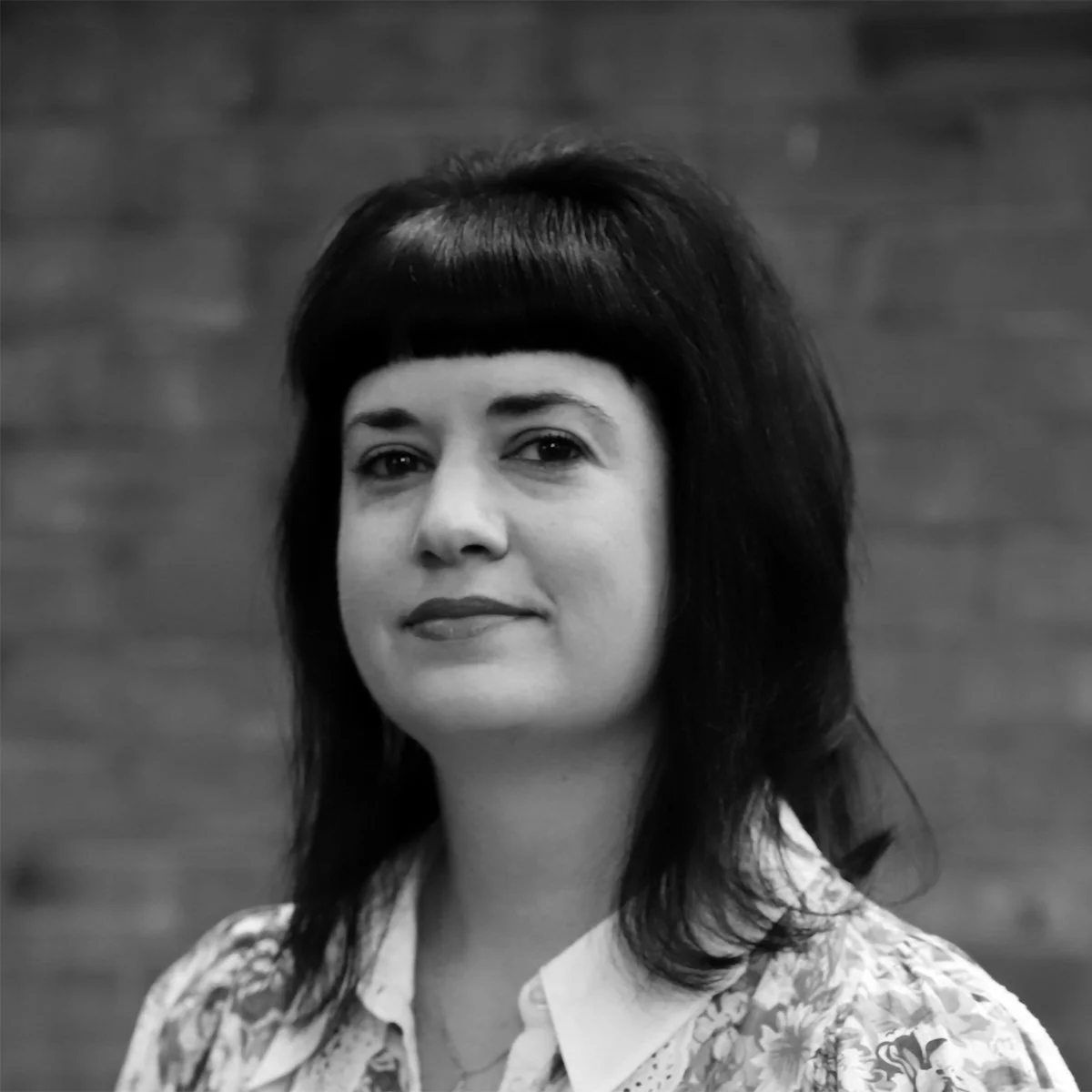
Annabel Carr
Director of Australia and New Zealand Operations, Vectorworks Australia
-
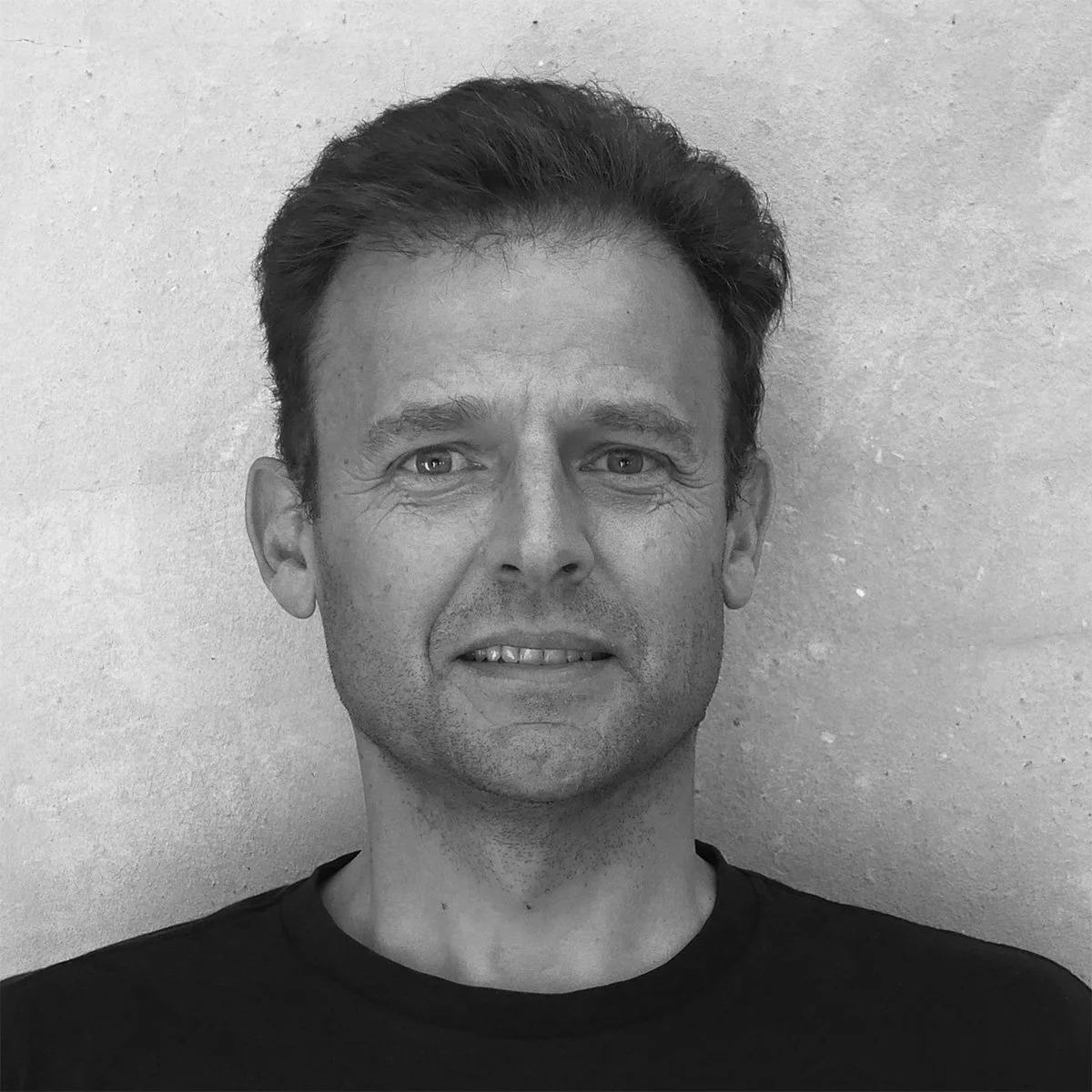
Ben Beaumont
Senior Manager of Australian Customer Success, Vectorworks Australia
-
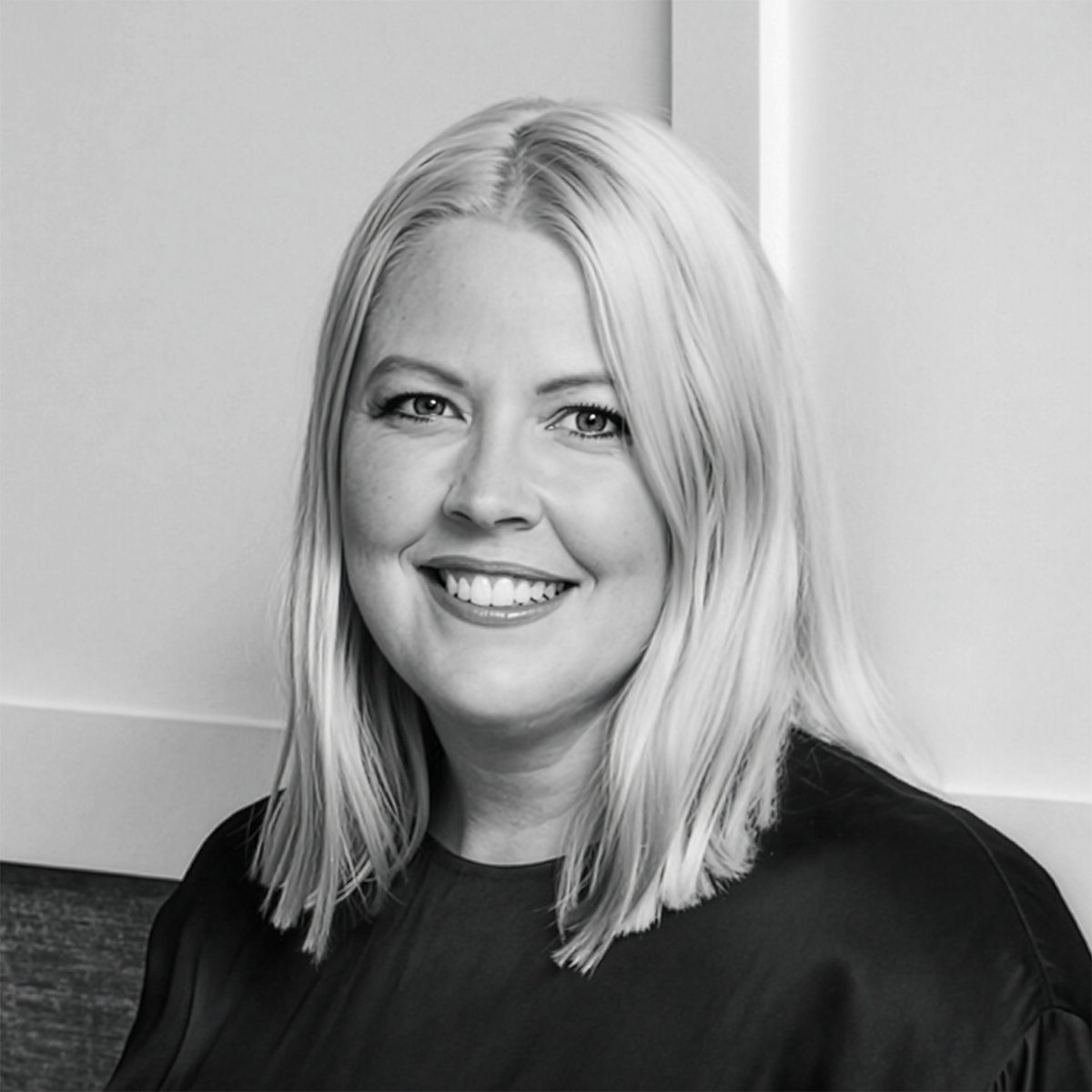
Emma Buchan
Founding Director, EB Interiors
-

Hannah Mattheisen
Senior Interior Designer, EB Interiors
-
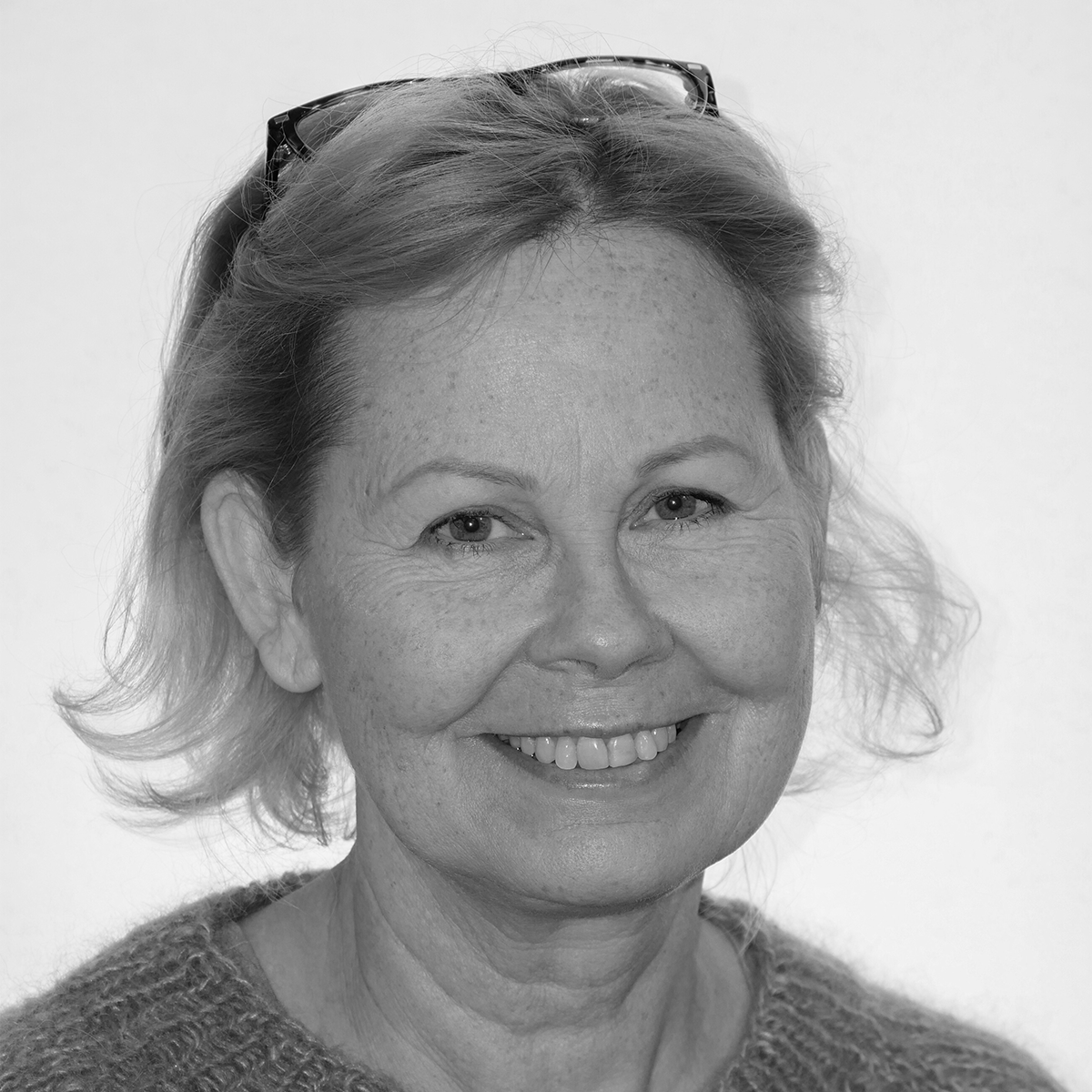
Katarina Ollikainen
Landmark Product Planner
Vectorworks, Inc. -
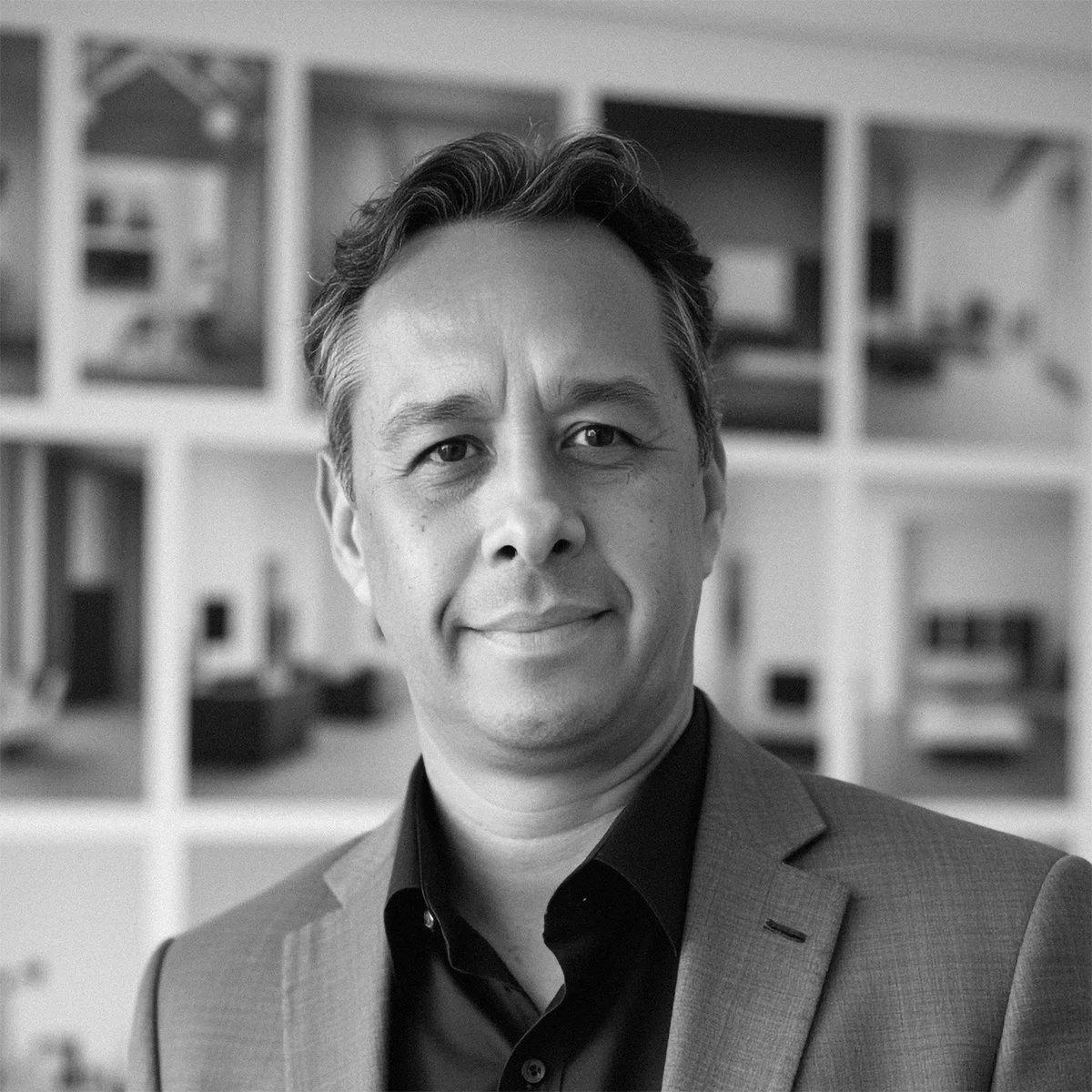
Luis Ruiz
Lead Product Specialist - Demand Generation, Vectorworks, Inc.
-

Tamika Ettingshausen
Interior Designer, EB Interiors
-

Tim Chaichana
Senior Landscape Designer, GOODMANORS
-

Troy Diamond
RAIA | Technical Support Specialist
Vectorworks Australia -
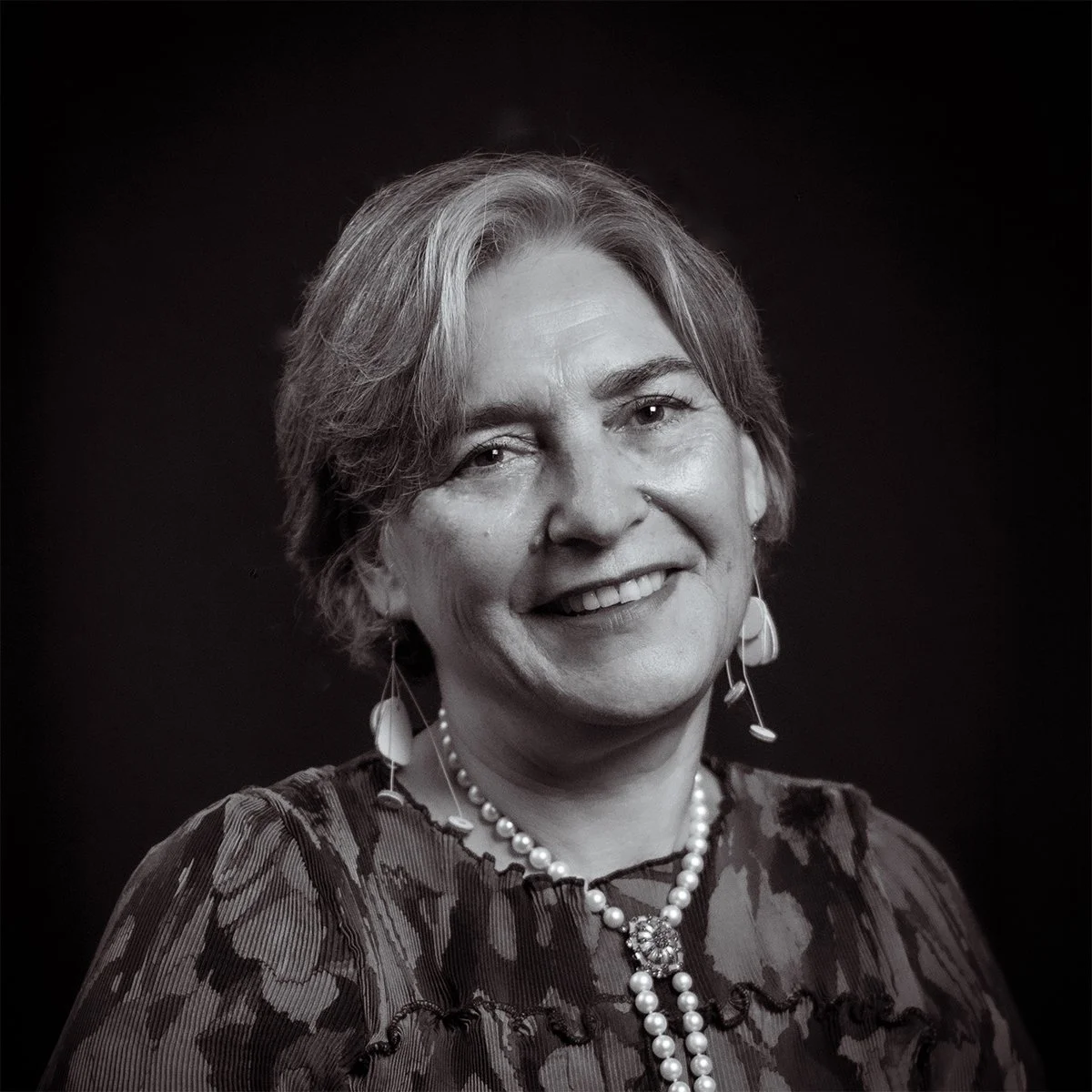
Yvonne Haber
Registered Architect, Yvonne Haber Architect
Schedule
-
14:00 - 14:25 | Registration Open
-
14:00 - 14:25 | Tech Desk Open
PETER NEUFELD, PRODUCT SPECIALIST - ENTERTAINMENT, VECTORWORKS AUSTRALIA
The Design Day Tech Desk is the perfect place to have any of your Vectorworks questions answered. Whether you’re looking for more information about training opportunities or you’d like a quick demo on a specific workflow, Vectorworks team members are here to help. The Tech Desk is open during registration periods, meals, and breaks.
-
14:25 - 14:30 | Welcome and Introduction
ANNABEL CARR, DIRECTOR OF AUSTRALIA AND NEW ZEALAND OPERATIONS, VECTORWORKS AUSTRALIA
-
14:30 - 14:45 | An Ode to Interior Design: What We Do and Why We Do It
EMMA BUCHAN, FOUNDING DIRECTOR - EB INTERIORS
HANNAH MATTHIESEN, SENIOR INTERIOR DESIGNER - EB INTERIORS
TAMIKA ETTINGSHAUSEN, INTERIOR DESIGNER - EB INTERIORSJoin Emma Buchan as she shares how EB Interiors has grown organically over the past 15 years and adapted to a changing design and business landscape. She will explain what led the team to adopt Vectorworks and the impact it has had on the practice.
Tamika Ettingshausen will dive into how EB Interiors uses Vectorworks day to day, including the specific templates and systems the team relies on to streamline their workflow.
Hannah Mattheisen will explore the different types of drawings the studio produces in Vectorworks, from conceptual visuals for clients to detailed technical drawings for builders and specific trades.
Learning Objectives
• Learn how EB Interiors has grown organically over the past 15 years and how Vectorworks has impacted their business.
• See how the team is using Vectorworks templates and systems to streamline their workflow.
• Explore the different drawing styles the team uses, from conceptual drawings for clients to technical drawings for builders and specific trades. -
14:45 - 15:00 | Site Measures Using LiDAR Technology
BEN BEAUMONT, SENIOR MANAGER OF AUSTRALIA CUSTOMER SUCCESS, VECTORWORKS AUSTRALIA
Join Ben Beaumont as he shares efficient and effective ways to gather site information using LiDAR technology.
Learning Objectives:
• Identify the common assumptions and myths about LiDAR and other technologies.
• Learn why accurate and quick site measures are important and how they can influence project outcomes.
• Discover the types of technologies now available to assist with site capture, including their advantages, disadvantages, and costs.
• Explore practical techniques for manipulating, optimising, and applying LiDAR data effectively within your design workflows. -
15:00 - 15:30 | From Mud to Model: Smarter Sites and Planting in Vectorworks
KATARINA OLLIKAINEN, LANDMARK PRODUCT PLANNER - VECTORWORKS, INC.
Join Katarina Ollikainen as she explores the “red thread” through a project—how to set it up from the outset to produce exactly the outputs you need. You’ll discover a new and faster way to capture your design ideas, set up your project, use site models clearly, and transform your work into deliverables for both stakeholders and contractors. You’ll also learn how to use the latest tools in Vectorworks to manage plant resources and create planting plans that are both informative and compelling enough to help sell your project.
Learning Objectives:• Learn how to start with the end in mind so you can judge where to put your efforts.
• Discover how to modify your site models more efficiently.
• Understand how to separate planting for illustration and planting plans.
• Learn how to best manage your plant resources to build effective planting plans. -
15:30 - 16:00 | Networking Break and Tech Desk Open
-
16:00 - 16:15 | Refresh your Workflows with New Localisations for the Australian Market
TROY DIAMOND, TECHNICAL SUPPORT SPECIALIST - VECTORWORKS AUSTRALIA
Join Troy Diamond as he shows you how to refresh your design workflows in Vectorworks with new localisations for the Australian market.
Learning Objectives:
• Understand how the new ANZ Access Overlay tool interacts with Door objects (jumping in where WinDoor left off).
• Discover our refreshed ANZ templates for architecture and interior design, and how they improve existing workflows.
• Be introduced to the new Phasing feature, and how it affects ANZ workflows. -
16:15 - 16:30 | Old Dog, New Tricks: Making the Switch to 3D
YVONNE HABER, REGISTERED ARCHITECT, YVONNE HABER ARCHITECT
Join Yvonne Haber as she discusses her transition to a 3D workflow after more than two decades of using Vectorworks.
Learning Objectives:
• Explore the challenges and benefits of transitioning to 3D.
• Learn the difference a 3D workflow makes when working with clients and collaborators.
• Discover how using more of Vectorworks’ features and functionality can help transform your designs and boost your business. -
16:30 - 16:45 | The Evolution and Application of Vectorworks Within GOODMANORS’ Landscape Design Workflow
TIM CHAICHANA, SENIOR LANDSCAPE DESIGNER. GOODMANNORS
Join Tim Chaichana as he demonstrates how a structured Vectorworks workflow enhances coordination between design, documentation, and construction—resulting in higher quality, consistency, and efficiency from concept to delivery.
Learning Objectives:
• Discover how the transition from manual drafting to a fully integrated digital design and documentation system supports all aspects of a project.
• Understand how to set up template organisation and company standards.
• Learn how to use materials for quotation purposes. -
16:45 - 17:10 | AI Tools for Architecture and Interior Design
LUIS RUIZ, INT’L ASSOC. AIA, LEAD PRODUCT SPECIALIST - VECTORWORKS, INC.
This presentation offers architects and interior designers new and exciting ways to elevate their creative workflows. Join Luis Manuel Ruiz, Lead Product Specialist at Vectorworks, as he walks you through the transformative potential of AI in design and how the Vectorworks AI Visualizer can help you unlock this potential. Luis will demonstrate how you can use the AI Visualizer to generate mood boards, concept models, and contextual elements for your projects with effective text prompts.
Learning Objectives:
• Learn how to create detailed and effective AI prompts for architectural and interior design.
• Discover how to leverage AI for visualising custom retail projects, including mood boards and storefront aesthetics.
• Understand how to use AI tools for enhancing design contexts, such as surrounding buildings, textures, and image props.
• Get insights on how to streamline your workflow while staying in control of the creative process. -
17:10 - 17:15 | Closing Remarks
-
17:15 - 18:45 | Networking, Tech Desk Open, Canapés, and Drinks